Friday, 3 February 2012

Creating the Digipack


 To create our digipack for Masie Mae we decided to use Adobe Fireworks. The specification says that we can not use any pre existing images so to start off we decided to fins a copyright free image of a pair of glasses. Once we had done this we were then able to use basic shapes that to make our logo for the front cover of the album. We decided to create a logo which had the word nerd in one lense and the word love within a heart within the other lense. therefore making the name of the song from our video and the title of her album.

 This is the image that we are using for the front cover of our album. We decided to add the name of the artist aswell just to make the album cover seem more proffessional and so that we could use it on our website when creating a theme across the whole range of products that we are creating.


This is the final layout of the digipack the top row is the oustide of the digipack and the bottom is the inside of the digipack with the section on the right displaying where the cd would be placed if we created a hard copy of it.

Tuesday, 6 December 2011

Filming issues

After Christmas I will be awaiting a operation on my knee this means that I either need to get lifts to filming as I'm supposed to stay at home or I can try and make sure we have finished filming by the time I have my operation

Thursday, 1 December 2011

Gaining Permission to film

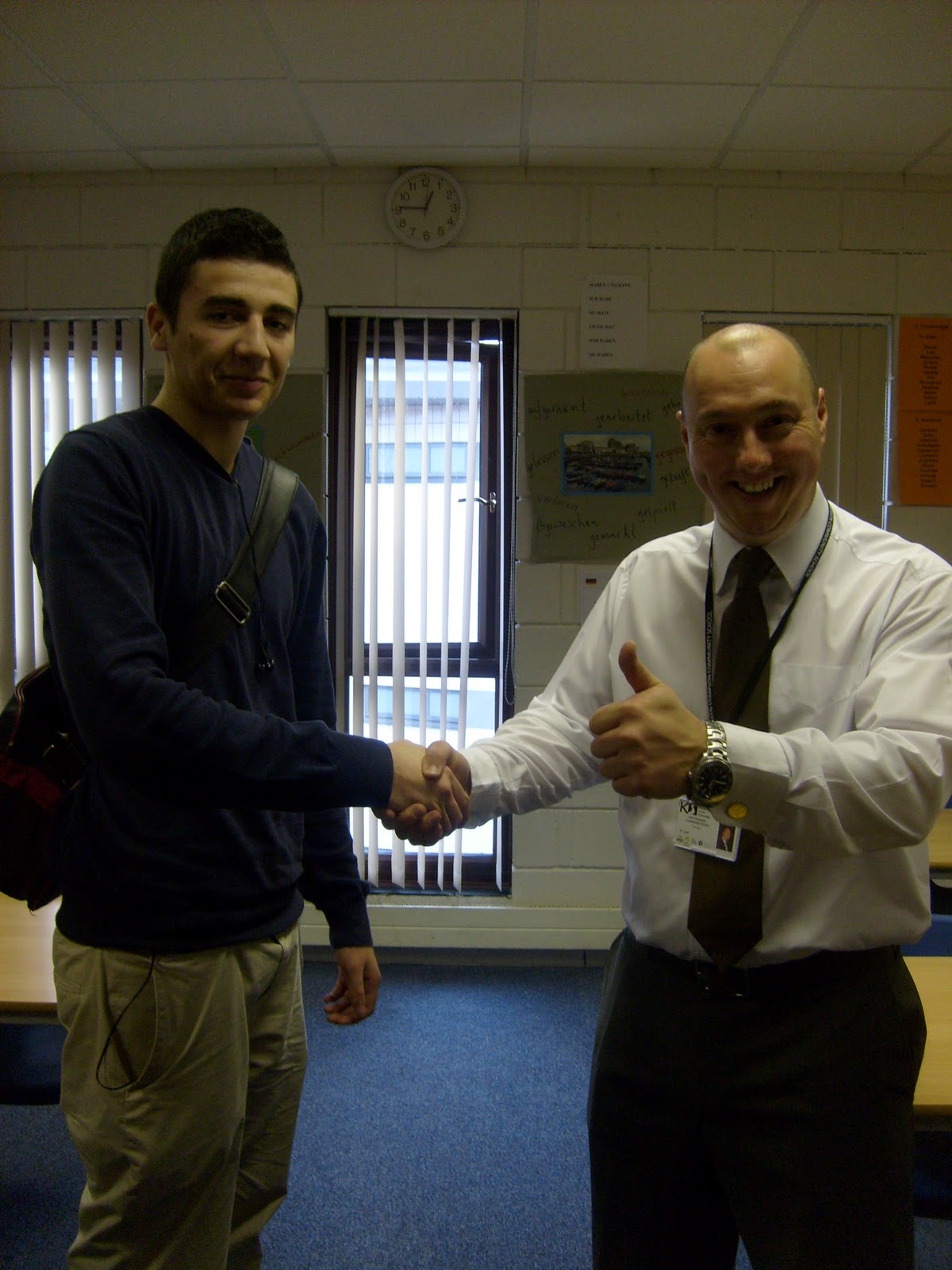
We have just gained permission to film in both the school campus and the library. The answer from the school was instant, but the library have given us the go ahead after we have signed some papers so we will have to wait until we can get those papers in our possession. This next photo is of our headteacher Mr Lord given us permission to film and shaking my hand. George was taking this picture.

Results from location scouting

these images from around our school are the results of our location scouting


These images show the areas within school that we would like to use as a set in our music video. The next stage is to ask permission from our head teacher and the head librarian to film within these areas.

Location scouting

Today me and George are going around school taking photos of possible locations for our music video. We are also trying to gain permission to film within the school campus and within the Werrington library

Tuesday, 29 November 2011

Camera we are using for our music video


GZ-HM310BEK
Because we have found out in the past that the cameras provided by school can be difficult to use when trying to get the best image possible, we have decided to use my Dads camera which has full HD and also digital stabeliser. This feature is a improvement on the cameras that school provide as even if the camera is on unstable ground it will be able to focus on the target and move with the target not the camera. This was a problem with the schools camera as even when a tripod was used it would still shake even if it was from a slight wind. The audio capabilities of my Dads camera is unknown at this point but it does not provide us with any problems as all the audio and background noise will be added in when it comes to editing the final piece of work. 


We will be using schools cameras to film the behind the scene video to use in our Evaluations 

How to link the video with lyrics


This video by K.I.G called Head Shoulders Knees N Toes, is made by a hand held video camera similar to the ones that we plan on using. This video was not made of high quality but was huge because of the link between the dance and the music. Throughout the whole of this video there are different locations and people used but the same dance used. This is all in sync with each other and the song which is about the most complex throughout the entirety of this video. This is an example how we can use simple ideas to make a great music video and also add the key features from the codes and conventions of a music in which we plan to add into our project.